Here I am, many summers ago, so carefree...too young to even know that my curly hair was getting all frizzy in the Texas heat! Here's a floral pretty of my mom...
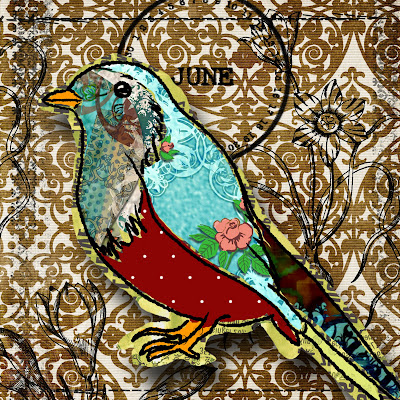
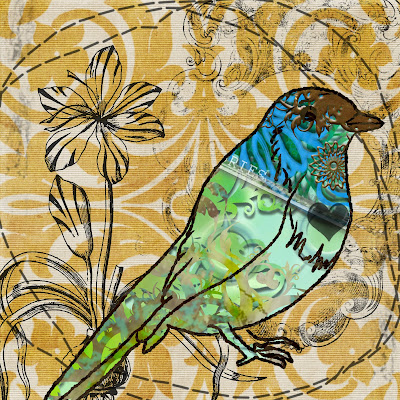
 And to round it off, here are a couple of little birdie collages. I used my new "window" and "birdcage" digital brushes.

BEST purchase of the week...my new MOO Business Cards! I have loved my MOO mini cards, and when I found out that they do the larger ones too, I ordered immediately!Here's a floral pretty of my mom...And to round it off, here are a couple of little birdie collages. I used my new "window" and "birdcage" digital brushes. 
 You can have a little picture or banner on the back too, along with information. I love the quality of the cards.


 Hig School Notes from the 40's for $1.50!
 Set of white glass spice containers sitting on a wooden shelf...
 Sweet little Black Poodles...
 One of two shoe embellishments...
 Set of earrings and a fab door knob...
 Some photos and a cute card for hubby!
 Bought a hat and took off the flowers!
 Festive gold birdie trays...
 Fun!
Fun!  Hurray!!!
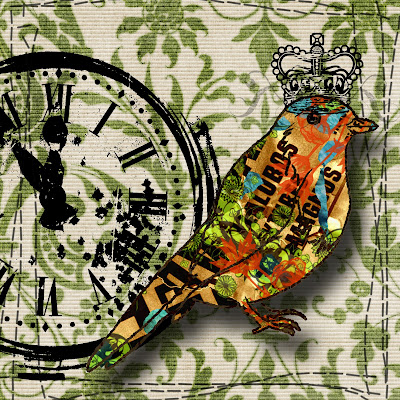
  And speaking of things that go "Tweet Tweet," here's a few new digi birdie creations!
  Mixed in a little digi flocking with this one...
 One more digi piece:
 __________________________________________


 ___________________________________________
 Felt like working with "a little RED" today! Although sometimes scary, Little Red Riding Hood has been a favorite of mine, especially when I can find vintage print and photos of it. I thought I'd pop a pic of me in this digital scene!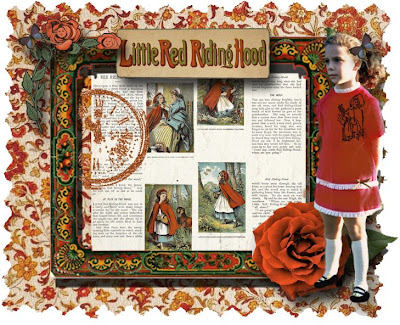
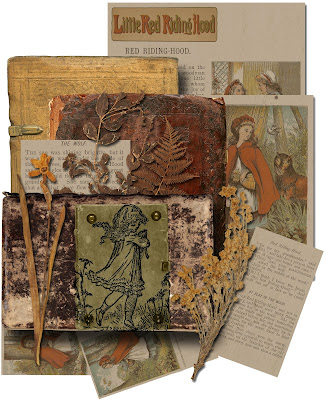 Who's afraid of the big bad wolf? Not me! I think digital brushes/stamps are my favorite right now. Making a specific brush into a stamp that you can save forever is easy! Open up a blank new transparency file in PS 6.0. Click on the brush tool, and you will see a little arrow. Click the arrow, and click "Load Brushes." You will see the brushes you have saved in your documents. Click on the brushes you want to work with. Your selection of brushes will appear in the brush box. After you pic a favorite (mine was the sketch of Red on the green sketch pad above), save it in your pictures. I like to make a special file in my pictures for digital brushes made into stamps. I call it "Digital Stamps."


 __________________________________________
 ___________________________________________


 Thanks again Sandra!